
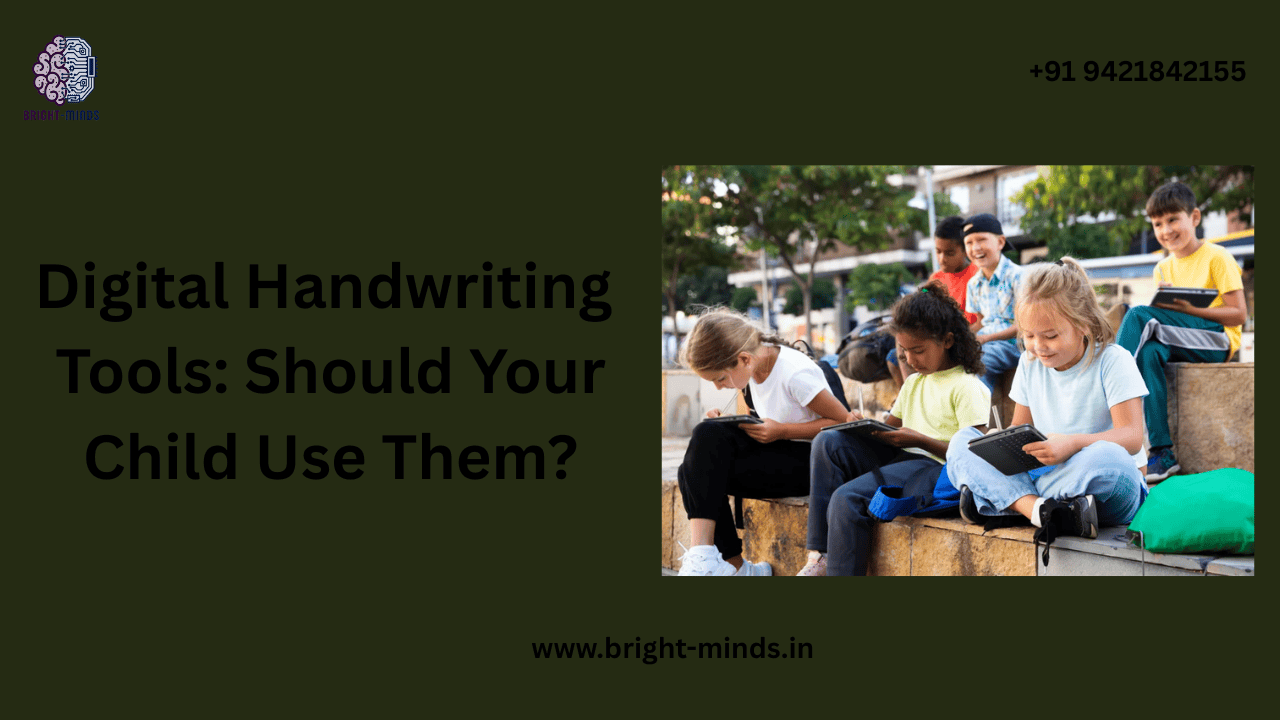
Digital Handwriting Tools: Should Your Child Use Them?
In a world where digital devices have replaced blackboards and paper notebooks, one question concerns many parents and educators alike: should children use digital handwriting tools? While traditional handwriting once ruled the classroom, technology has brought innovative ways for kids to express ideas, write neatly, and learn interactively. Understanding these tools can help parents decide whether they complement or compromise a child’s learning journey.
The Shift from Paper to Pixels
The art of handwriting is no longer limited to pencil and paper. Today, children can practice writing on tablets using styluses and apps designed to mimic real-life handwriting. Digital handwriting tools—such as Apple Pencil, Microsoft Surface Pen, or specialized apps like Nebo, GoodNotes, and Penultimate—allow kids to write, draw, and annotate digitally while still engaging their fine motor skills.
This shift didn’t happen overnight. Over the past decade, schools have increasingly adopted digital platforms for learning, and handwriting technology has evolved alongside. What once seemed like a fancy gadget is now a valuable educational resource that helps bridge the gap between traditional writing and modern learning methods.
Why Handwriting Still Matters in a Digital World
Before diving deeper into the benefits of digital handwriting tools, it’s essential to understand why handwriting remains so important. Research shows that handwriting enhances memory retention, creativity, and focus. When children physically form letters, they engage more areas of the brain than when typing. This process strengthens their cognitive development, improves spelling, and even boosts reading comprehension.
However, the challenge lies in balancing tradition with innovation. Completely abandoning handwriting practice may lead to weaker fine motor control and reduced learning engagement. This is where digital handwriting tools come in—they maintain the benefits of handwriting while offering the flexibility of technology.
How Digital Handwriting Tools Work
These tools combine the tactile feel of handwriting with the power of digital devices. When a child uses a stylus to write on a tablet, sensors detect pressure, angle, and motion, translating it into digital ink. The experience feels natural and interactive.
Many handwriting apps are gamified, making learning more fun. Kids can trace letters, receive instant feedback, and correct mistakes without wasting paper. Some advanced tools even analyze a child’s handwriting style, offering suggestions to improve letter formation and consistency. This level of personalization helps children learn faster while keeping them motivated.
Benefits of Digital Handwriting Tools for Children
Encouraging Creativity and Expression
Digital handwriting tools unlock endless creative possibilities. Children can switch between pen types, colors, and drawing tools without needing separate stationery. They can also integrate images, diagrams, and notes into their projects seamlessly. This flexibility encourages creativity and allows kids to explore their artistic side while learning.
Building Confidence Through Instant Feedback
Unlike traditional notebooks, digital handwriting apps provide real-time feedback. For example, if a child forms a letter incorrectly, the app highlights it and guides them to the correct shape. This instant correction builds confidence and reinforces proper technique, turning mistakes into learning opportunities.
Reducing Paper Waste and Clutter
In a world striving for sustainability, going digital also reduces paper consumption. Digital handwriting tools store everything virtually—no torn pages or lost notebooks. Parents and teachers can easily track a child’s progress over time without dealing with physical clutter.
Enhancing Collaboration and Accessibility
Digital platforms allow easy sharing of notes and assignments. A child can submit homework online or collaborate with classmates in real time. For children with learning difficulties or disabilities, accessibility features like text-to-speech or zooming tools make writing and reading easier, ensuring inclusive education for all learners.
Potential Drawbacks to Consider
While the advantages are clear, it’s important to approach digital handwriting tools thoughtfully. Excessive screen time can strain young eyes and reduce outdoor activity. Moreover, not all apps are designed with proper ergonomics or educational intent—some might be too distracting. Parents and teachers should supervise usage, ensuring that digital tools support, not replace, real-world learning.
Additionally, writing on a screen may not fully replicate the tactile resistance of pen and paper, which plays a role in fine motor development. Therefore, a balanced approach that includes both digital and traditional handwriting practice is ideal.
What Educators Say About the Future of Handwriting
Many educators believe that digital handwriting tools will soon become as common as textbooks once were. They see them not as replacements but as enhancements to traditional learning. Schools in countries like Finland and Japan already use tablet-based handwriting systems to help children develop both writing skills and digital literacy simultaneously.
The global edtech market also supports this trend. According to a 2025 Statista report, the educational technology sector is projected to reach over $400 billion globally, with digital writing and note-taking tools becoming one of the fastest-growing segments.
Choosing the Right Digital Handwriting Tool for Your Child
With so many tools available, parents often feel overwhelmed about where to start. The key is to select age-appropriate and user-friendly options. For younger children, apps like Writing Wizard or iTrace focus on basic letter formation. For older students, platforms like OneNote, Notability, or GoodNotes offer professional-level writing, drawing, and organizational features.
When choosing, look for tools that:
- Offer interactive guidance and feedback.
- Are compatible with multiple devices.
- Support both stylus and touch input.
- Include features for saving, exporting, or printing notes.
Remember, the goal is to make writing enjoyable, not mechanical. Try a few tools together with your child and let them decide which feels most natural and engaging.
Helping Kids Transition Smoothly
Introducing digital handwriting should be a gradual process. Start with short, guided sessions and mix them with traditional writing exercises. Encourage your child to use digital tools creatively—for journaling, doodling, or writing stories. This approach keeps learning fresh and prevents burnout.
Parents can also model digital literacy by using these tools themselves—taking notes, sketching, or planning tasks digitally. When children see adults enjoying learning tools, they become naturally curious and eager to explore.
The Balanced Way Forward
Technology continues to shape how children learn and communicate, but balance remains the key. Digital handwriting tools can complement traditional writing practices beautifully when used with intention. They encourage creativity, provide instant learning feedback, and prepare kids for a tech-driven future—all while preserving the core essence of handwriting.
As parents and educators, our goal should not be to choose between paper or pixels but to combine both worlds effectively. When children experience the best of both, they grow into adaptive, confident learners ready for tomorrow’s challenges.
Inspire Your Child’s Learning Journey
If this topic inspired you to rethink how your child learns, now is the perfect time to explore more. Discover practical guides, expert tips, and digital learning courses designed to help parents and educators integrate technology effectively into education. Visit our website to learn more and empower your child’s handwriting journey with confidence and creativity.
You may also like this:-